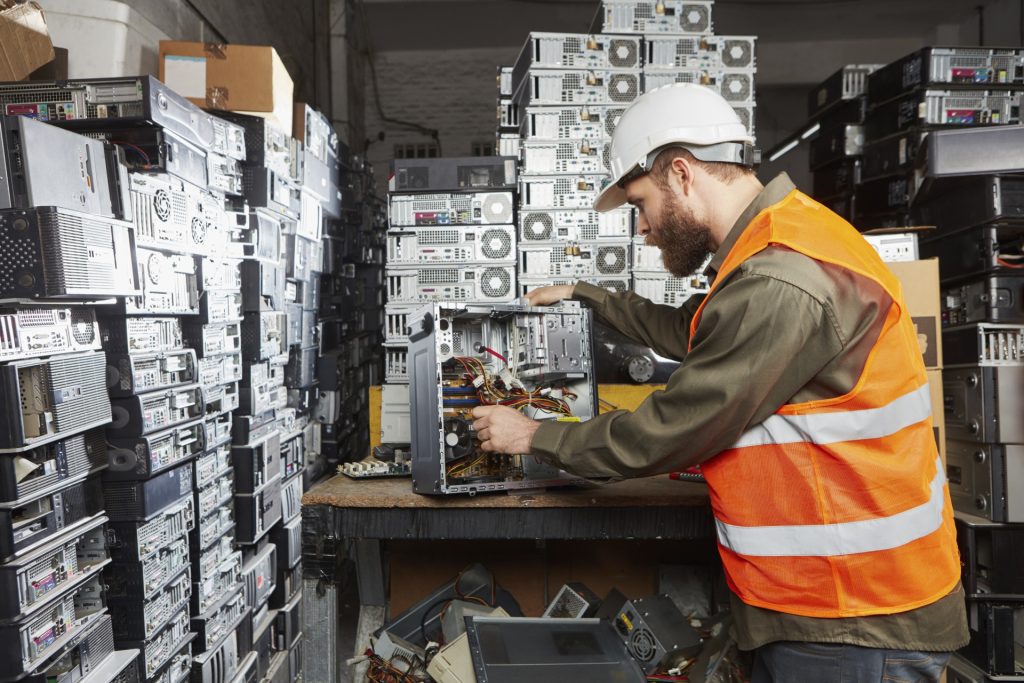
Getting rid of an old computer is not as simple as tossing it in the trash. Computers contain sensitive personal information as well as hazardous materials like lead, mercury, and cadmium that can harm the environment if disposed of improperly. In Santa Ana, CA, residents and businesses have several convenient and eco-friendly options for recycling old computers through services like https://www.techwasterecycling.com/electronics-recycling-santa-ana-ca/.
Step 1: Protect Your Data
Before you recycle, donate, or dispose of your computer, make sure your personal and business information is safe.
- Backup Your Files: Save important documents, photos, and data to an external drive or a cloud storage service.
- Wipe Your Hard Drive: Use secure wiping software to erase data permanently. A simple “delete” isn’t enough; overwritten data can often be recovered.
- Remove Hardware if Needed: For maximum security, some people prefer physically removing the hard drive before recycling and keeping it in storage or destroying it separately.
This step is especially important for businesses that must comply with privacy regulations and protect customer information.
Step 2: Decide How You Want to Recycle
Santa Ana residents and businesses have multiple recycling options available depending on convenience, volume, and specific needs.
- Curbside Pickup for Residents: Single-family homes and duplexes in Santa Ana can schedule free curbside collection for universal waste, including old computers. This is a convenient option if you only have one or two devices and prefer not to travel.
- Household Hazardous Waste (HHW) Centers: Orange County operates HHW collection centers where residents can drop off old electronics at no cost. These centers accept desktops, laptops, monitors, and related accessories. While these facilities provide safe recycling, keep in mind they do not wipe or destroy your data.
- Local E-Waste Recyclers: Santa Ana is home to several private recycling facilities that specialize in electronics. Many of these recyclers are certified to handle data destruction and provide documentation for businesses. Some offer free drop-off, while others provide pickup services for larger volumes.
- Donation Programs: If your computer is still in good working condition, donating it can extend its life and help others. Organizations and nonprofits in Santa Ana accept working devices for refurbishment and redistribution. Even if your computer is older, components may still be useful.
Step 3: Prepare Your Computer for Recycling
Before you drop off or schedule pickup, follow these steps:
- Include Accessories: Gather the keyboard, mouse, power cords, and other peripherals. Recyclers often accept these items along with the computer.
- Check Guidelines: Some facilities require a minimum number of items for free pickup, while others charge fees for certain types of equipment.
- Separate Hazardous Items: If your computer includes batteries or CRT monitors, make sure to check whether they must be separated.
Step 4: Drop-Off or Schedule Pickup
Once your computer is ready, you can either:
- Drop it off at a recycling center or HHW facility. Always check operating hours before visiting.
- Schedule a pickup with your city’s waste hauler or a private recycler. Some services are free, while others may charge depending on the type and quantity of items.
For businesses with multiple devices, most recyclers can arrange bulk pickup and provide documentation for compliance purposes.
Step 5: Request Documentation (For Businesses)
If you’re disposing of computers for a company, you may need a Certificate of Data Destruction or proof of responsible recycling. Certified recyclers in Santa Ana provide these documents, ensuring compliance with environmental regulations and data privacy laws.
Step 6: Confirm Responsible Recycling

Not all recycling is equal. Choose facilities that:
- Follow California’s electronic waste regulations.
- Hold certifications such as R2 or ISO standards.
- Provide transparency about how materials are processed.
This ensures that hazardous components are safely managed and that reusable materials are recovered efficiently.
Final Tips for Santa Ana Residents and Businesses
- Always wipe your data first. Even donation programs don’t guarantee data removal.
- Call ahead to confirm accepted items, hours, and fees.
- Choose certified recyclers for peace of mind, especially when handling business or sensitive data.
- Consider donation if your device still works—it reduces waste and benefits the community.
By following these steps, you’ll not only protect your personal information but also keep harmful materials out of landfills and contribute to a cleaner, greener Santa Ana.



