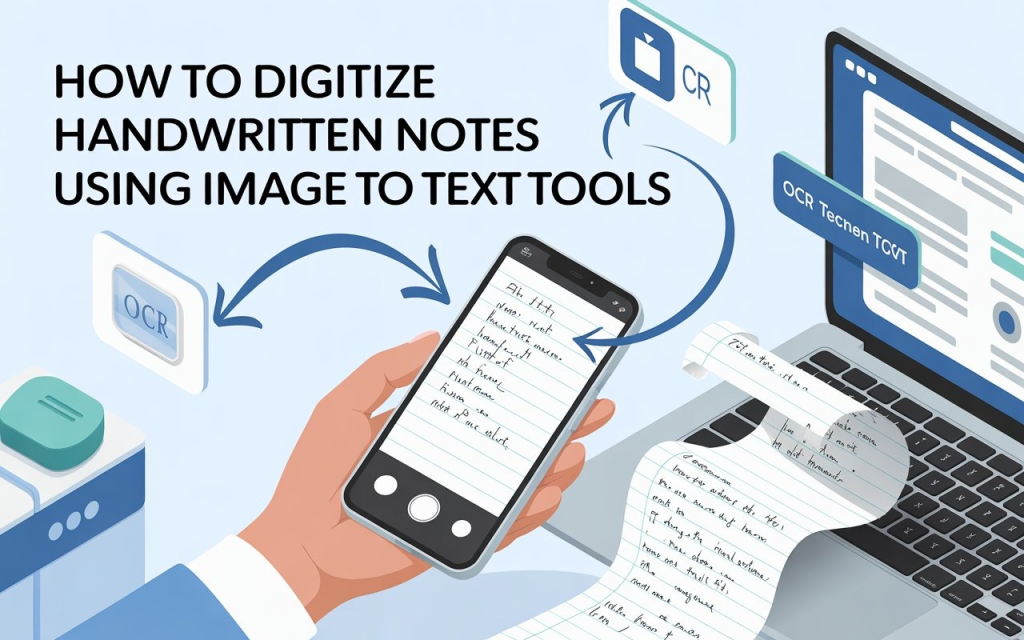
Digitizing handwritten notes with image-to-text tools helps convert actual handwritten content into editable and searchable digital versions. This approach improves the organization’s accessibility and efficiency of note management.
By converting handwritten text to a digital format, users may easily keep, retrieve, and share their notes, removing the need for physical storage and lowering the danger of losing vital information.
OCR technology plays an important role in this by analysing photos of handwritten notes and recognizing the letters, resulting in machine-readable text. This not only saves time but also improves the notes’ functionality for future updates, searches, and sharing, eventually improving information management.
Thus, in this blog, we will discuss image to text tools to digitize handwritten notes.
Popular Online Tools to Digitize Handwritten Notes
Google Lens
Google Lens is a simple OCR tool. Snapshots of handwritten text can be instantaneously converted to digital representation.
Easy conversions like taking notes from a whiteboard, document, or book are possible with its simplicity. After conversion, text can be copied, translated, or utilised in other programs. It integrates with Google Photos, making handwritten notes easy to record and process on the fly.
Microsoft OneNote
Microsoft OneNote is also a powerful tool that is helpful for professionals and students to digitize their handwritten notes. OneNote can extract text from images and scanned documents to improve note-taking, searching, and organization. OCR works with screenshots and photos, making it easy to digitize notepad or whiteboard notes. OneNote is an excellent alternative for managing digital notes due to its seamless connection with a popular note-taking software.
Adobe Acrobat
Adobe Acrobat is a premium tool that converts scanned documents and images into editable text using powerful OCR. Professionals can use it for high-quality PDF OCR conversions. Adobe’s OCR engine helps users edit and search scanned documents by recognizing handwriting and written text. It can convert images into Word, Excel, or searchable PDFs, making it suitable for those who need powerful and accurate document management capabilities.
Tesseract OCR
Tesseract OCR is an open-source, customizable tool for developers and experts. It supports several languages and integrates OCR into applications easily. Tesseract can handle complex documents and image formats, but it requires technical setup. For research or specialised work, it gives advanced users full control over OCR, including fine-tuning recognition parameters. Tesseract is suitable for building custom OCR solutions or incorporating OCR into projects.
Abbyy FineReader
ABBYY FineReader is a powerful OCR solution with excellent text recognition. It converts printed and handwritten text accurately and precisely, making it excellent for professional and personal use. The software handles PDFs, pictures, and scans. ABBYY FineReader’s text editing, document comparison, and PDF conversion features make it a formidable tool for managing and editing digital content.
Image to Text Converter
The Image to Text Converter is an online OCR tool that converts images of handwritten or printed text into machine-readable text. It works by simply uploading an image file, and the tool automatically extracts the text, providing a quick and handy alternative for individuals who need to digitise notes while on the road. This program is ideal for people who want a simple solution that does not require any downloads or installs. It supports a wide number of image formats, making it accessible to a broad range of users seeking basic OCR functionality.
Advantages of Digitized Handwritten Notes
Now that we’ve covered “how” to convert your notes to digital text files, let’s look at “why”.
Easy to Share
You may want to share notes with other students, which is tough in person. Photographing and converting them to text files lets you rapidly share them with pals via texting, email, and other methods. This is one of the main benefits of digitising handwritten notes.
Cannot Get Misplaced or Damaged
Notes are easily accessible yet can be lost or damaged. Misplacement is rare and unfortunate, but time-based damage is inevitable. When you use your notes often, they can wear out. Converting them to digital text files solves this problem. TXT and Docx files allow unrestricted note reading.
Can be Edited
Another benefit of digital text files is that they may be modified. You could, for example, pull text from your notes and easily modify it on your phone or computer. You could add additional information to the notes or correct any errors or typos that may have previously existed.
Convenience and Accessibility
Digital notes are first and foremost convenient. The majority of professionals use digital devices for numerous jobs; therefore, adding note-taking streamlines this ecosystem. Your notes are a few clicks or taps away on your phone, tablet, or computer. This accessibility is great for mobile or distant workers. Your digital device lets you take notes at meetings, on the go, or before a presentation.
Tips for Digitizing Handwritten Notes
Next, let’s look at some best practices for translating handwriting notes to text quickly and accurately.
Clear, Readable Handwriting
Today, image-to-text converters can read handwriting and rudimentary text inside photos. To get reliable results, make sure the handwriting is clear and readable. Too much cursive or adjoining is bad. This may confuse the image-to-text tool and misidentify characters.
Take Pictures in Well-Lit Areas
If the image is taken in a gloomy and dull environment, the tool may struggle to recognise all the lettering. When taking photos with your phone, use the flash to highlight the notes on the pages/sheets.
Maintain Image Straightness
When processing photos, image-to-text technologies usually straighten and adjust their alignment. If the image is skewed or askew, the tool may have trouble recognising the characters. Angled characters can be misread. Keep images straight to avoid this.
Conclusion
Image-to-text tools increase organisation, accessibility, modification, and sharing of handwritten notes. Users can keep, retrieve, and edit notes digitally to avoid losing or damaging vital information. Google Lens, OneNote, Adobe Acrobat, Tesseract OCR, ABBYY FineReader, and Image to Text Converter offer professional and informal OCR. Due to their speed, ease, and variety, digital notes are ideal for students, professionals, and anybody who wishes to simplify note management. Clear, well-lit, and aligned photographs make handwritten note digitisation fast and accurate.